

NFC · QR · Dashboard
Everything that connects your business to its customers, in one tap.
Customers hold their phone to a Mawjeh tag and your page opens, no app needed: a menu that takes orders from the table, a business card saved to their contacts, your social accounts and your Google reviews. And you edit it all yourself, any time.
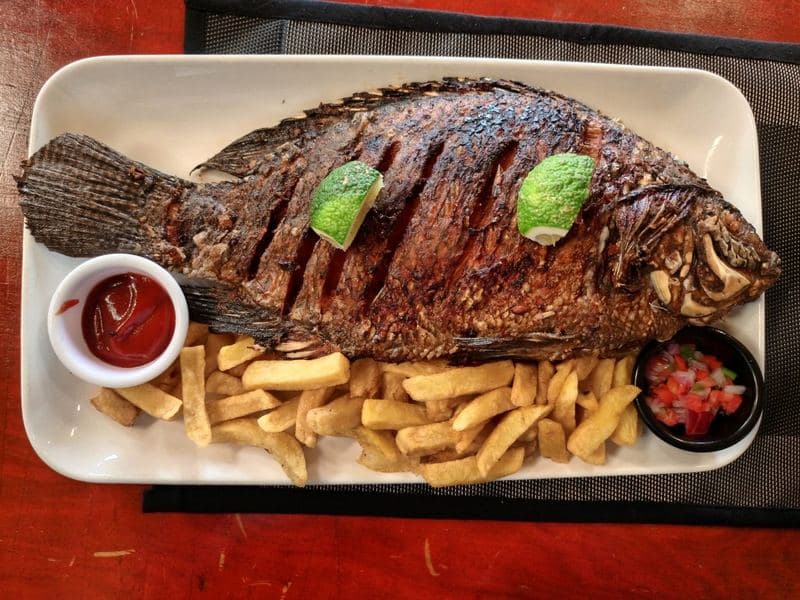
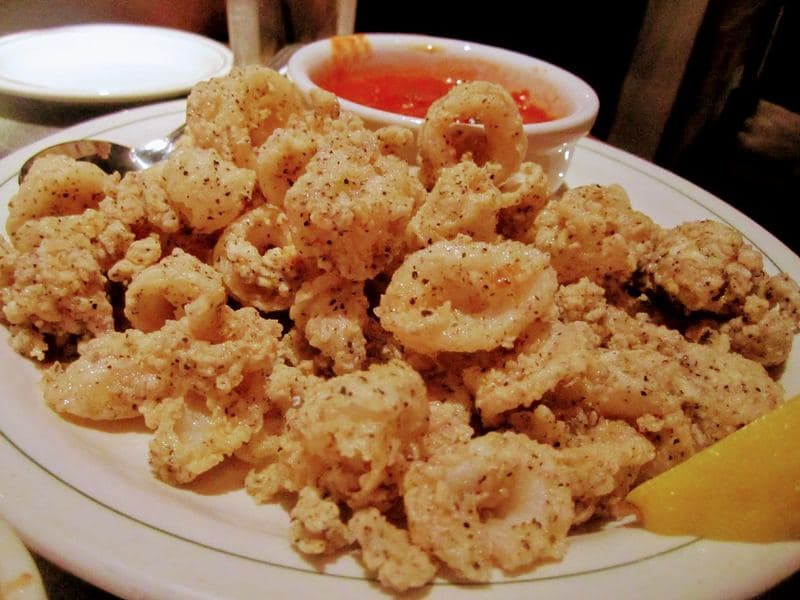
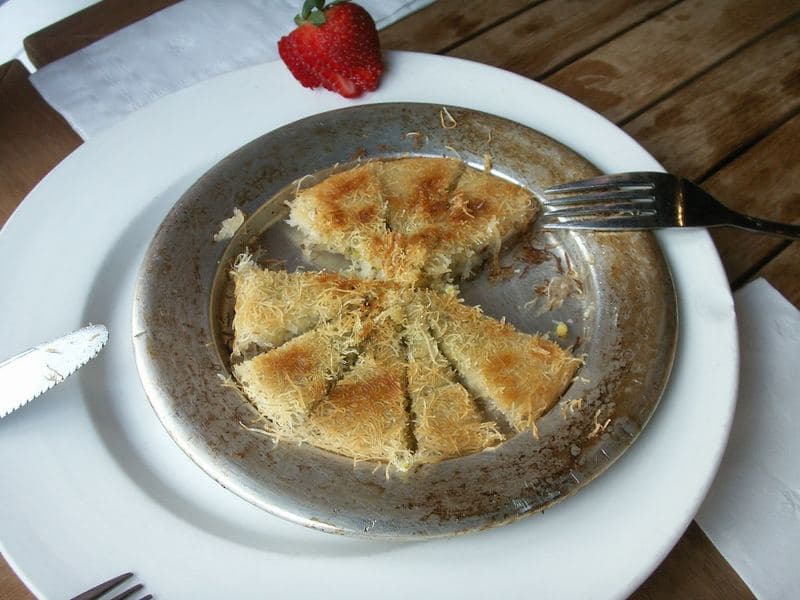
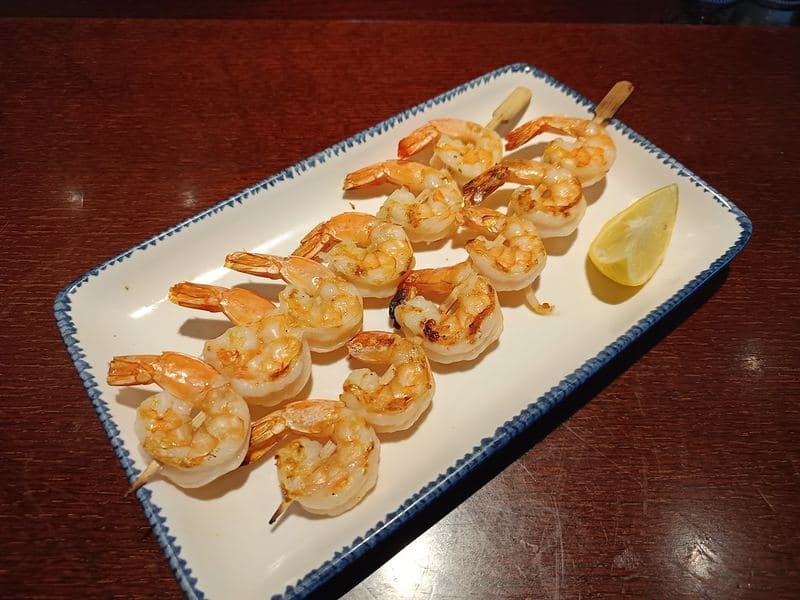
Mawjeh packages
A package for every business: restaurants & cafés, business cards and hotels. The smart page comes with every package; choose the size you need.
- Restaurant & café package
A full dynamic menu, free for life
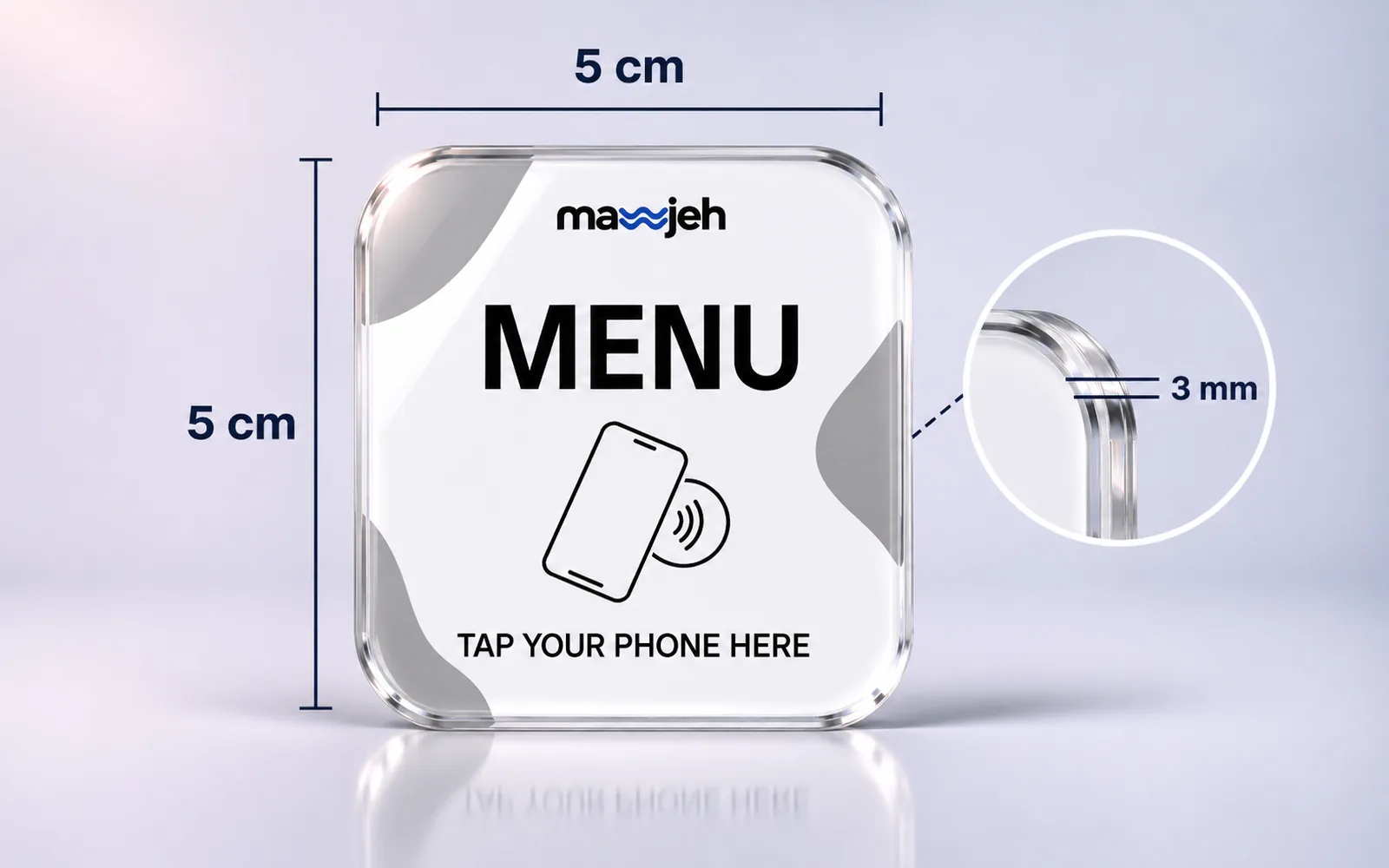
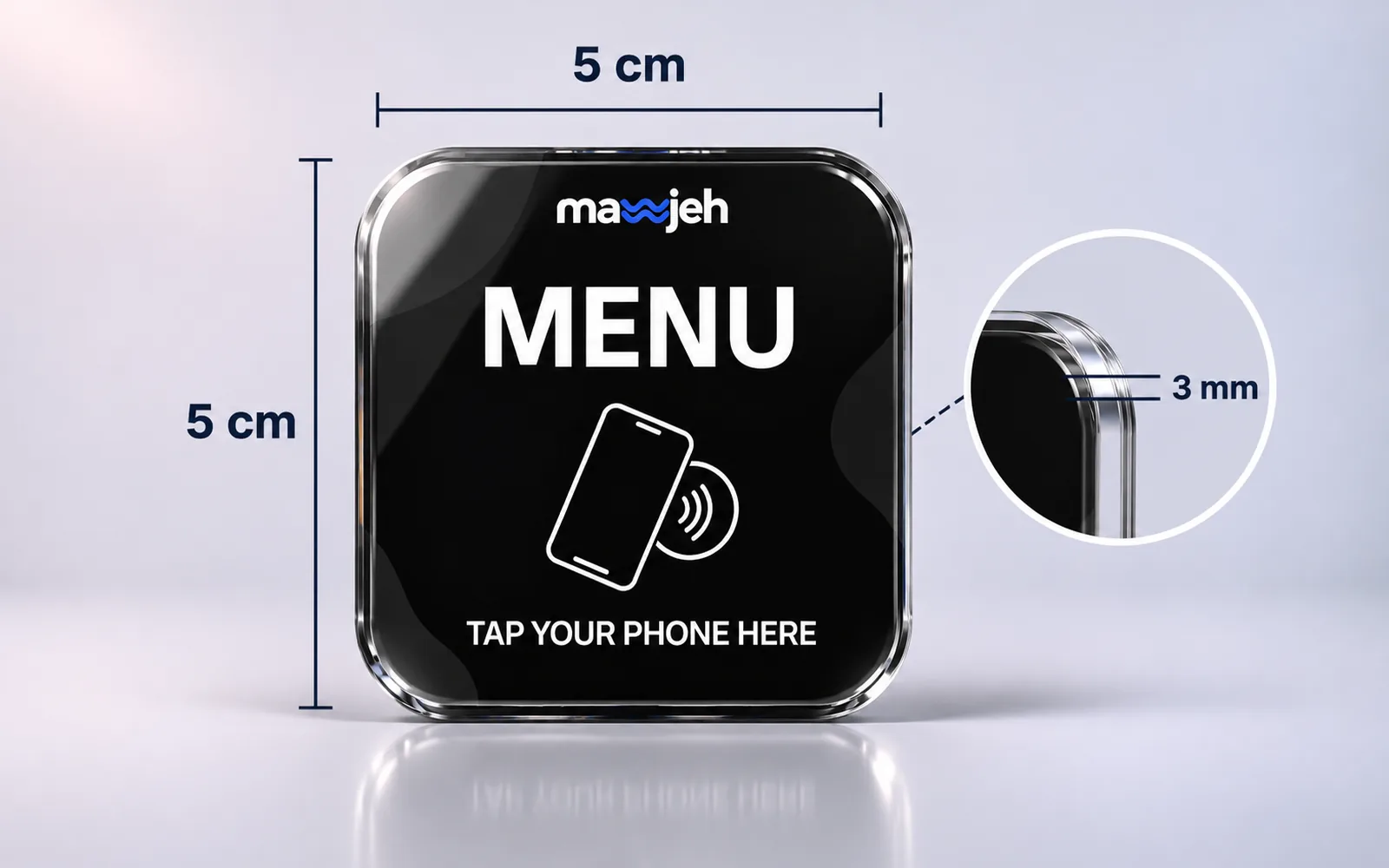
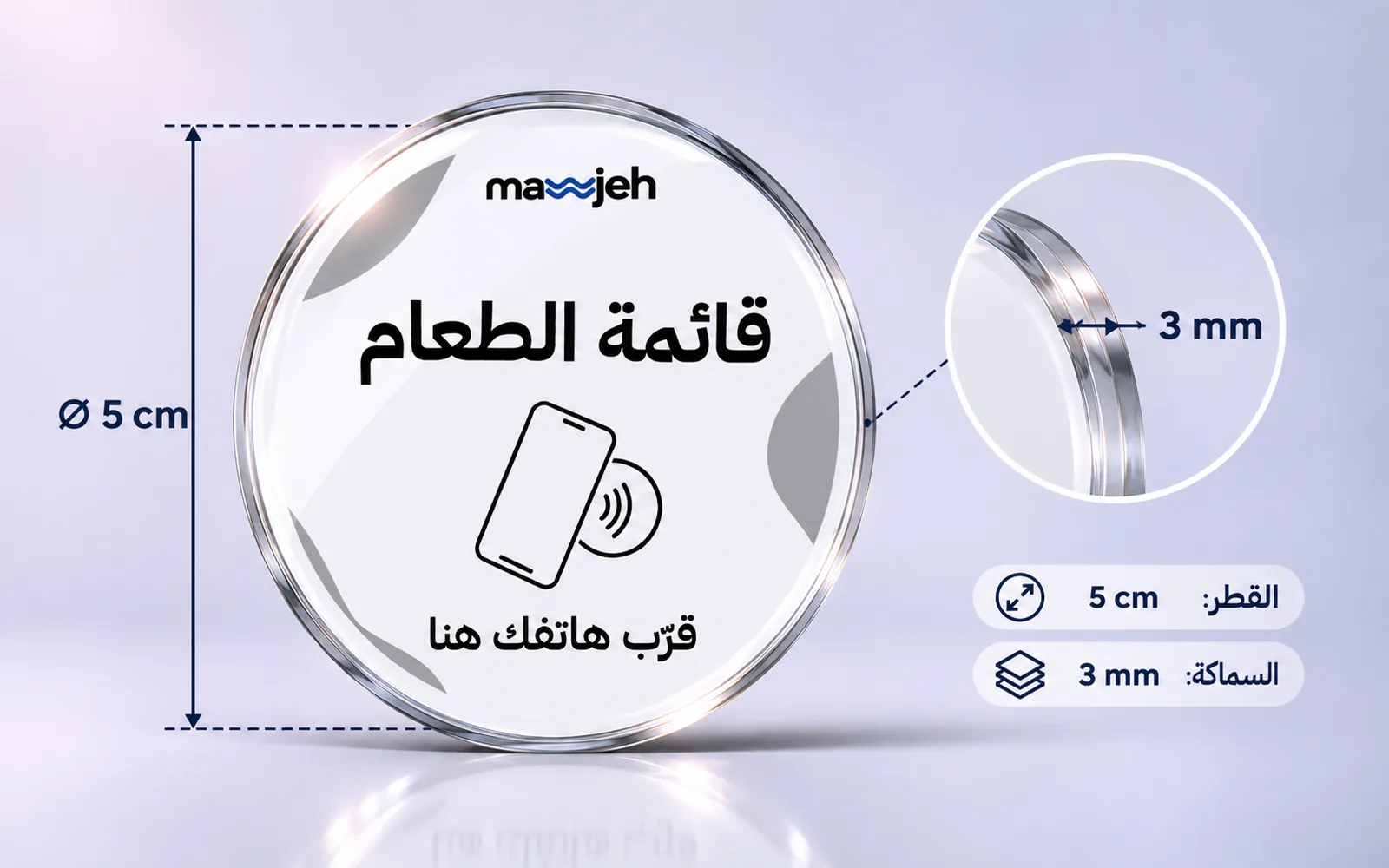
- An NFC tag and QR code for every table
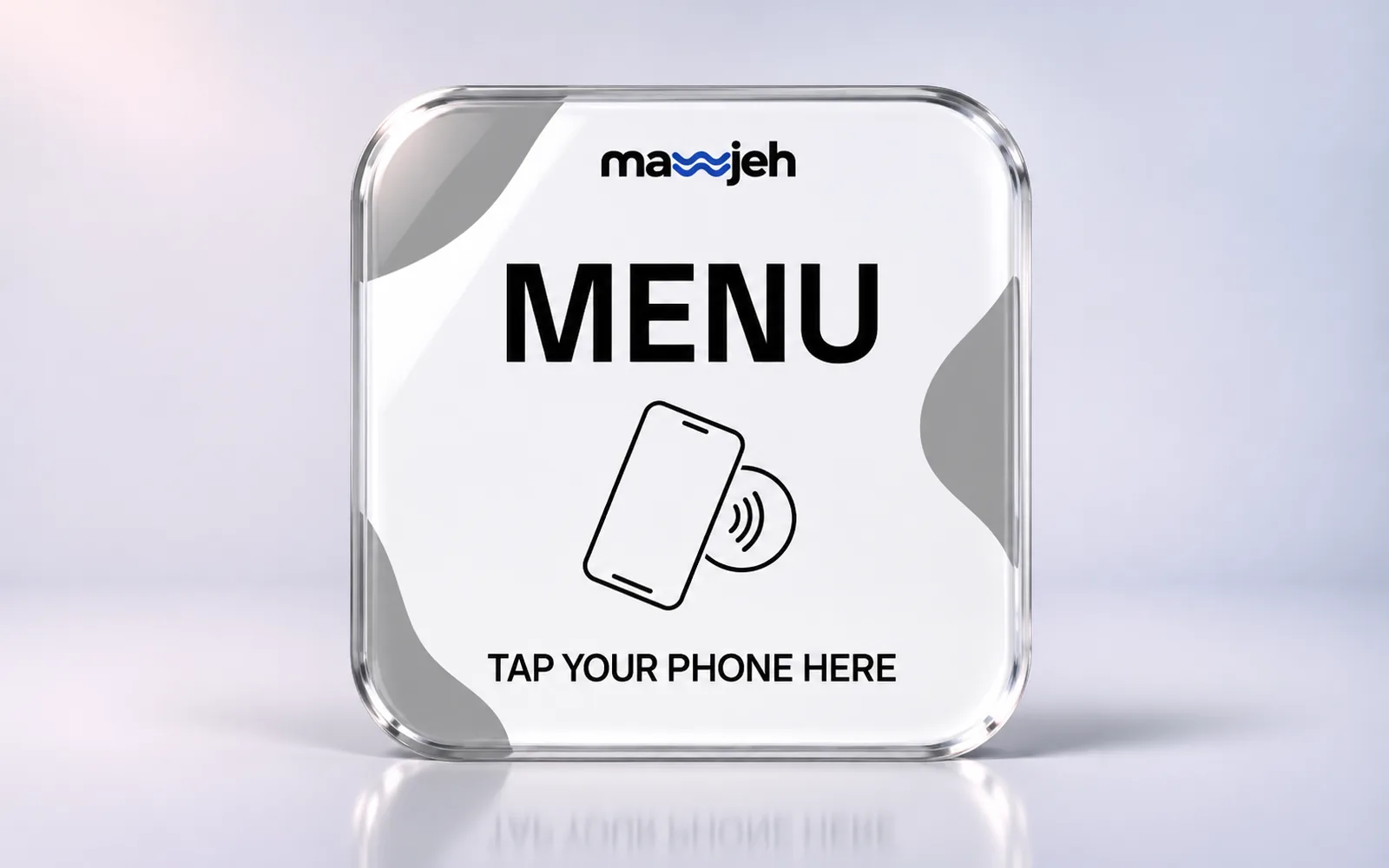
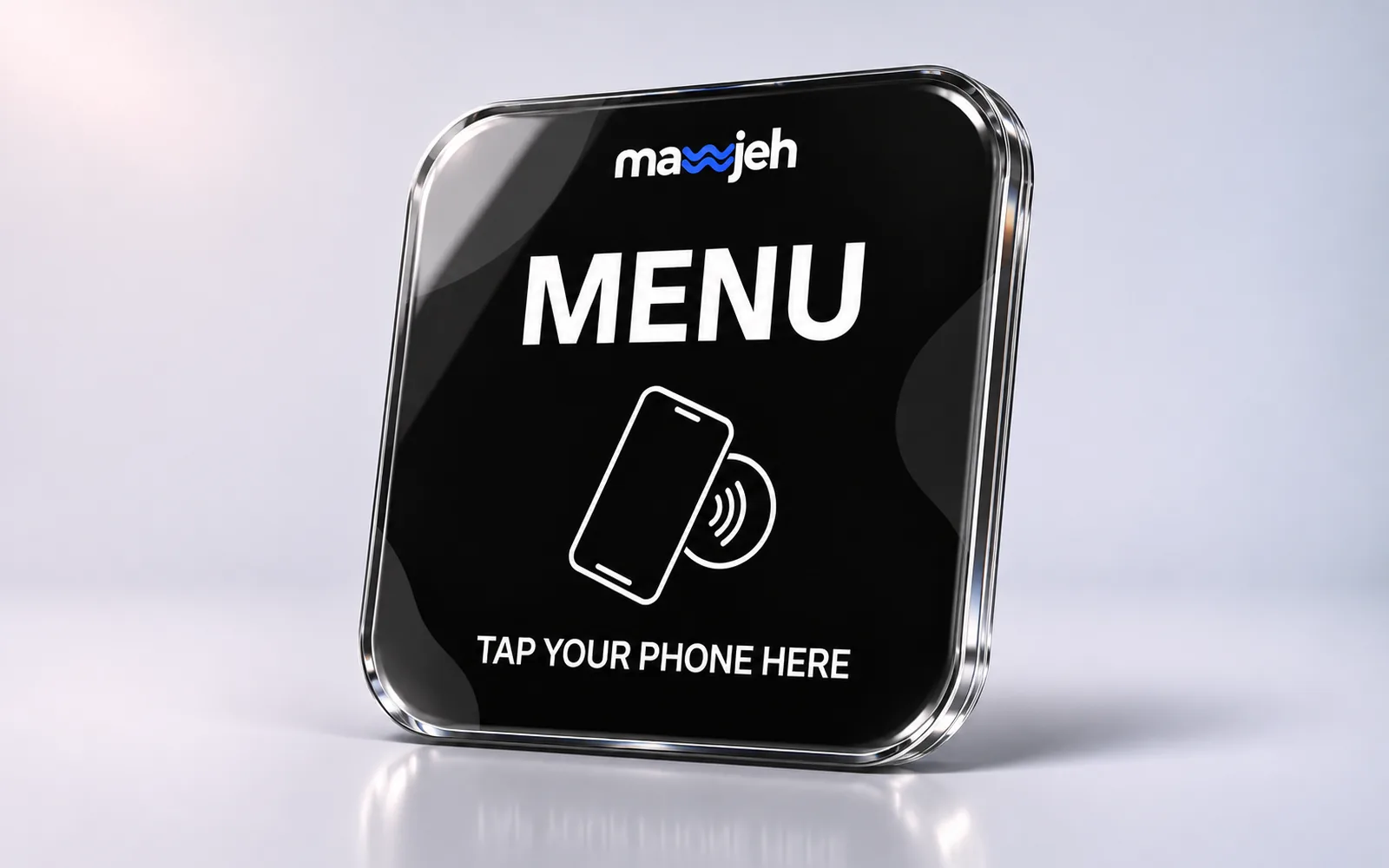
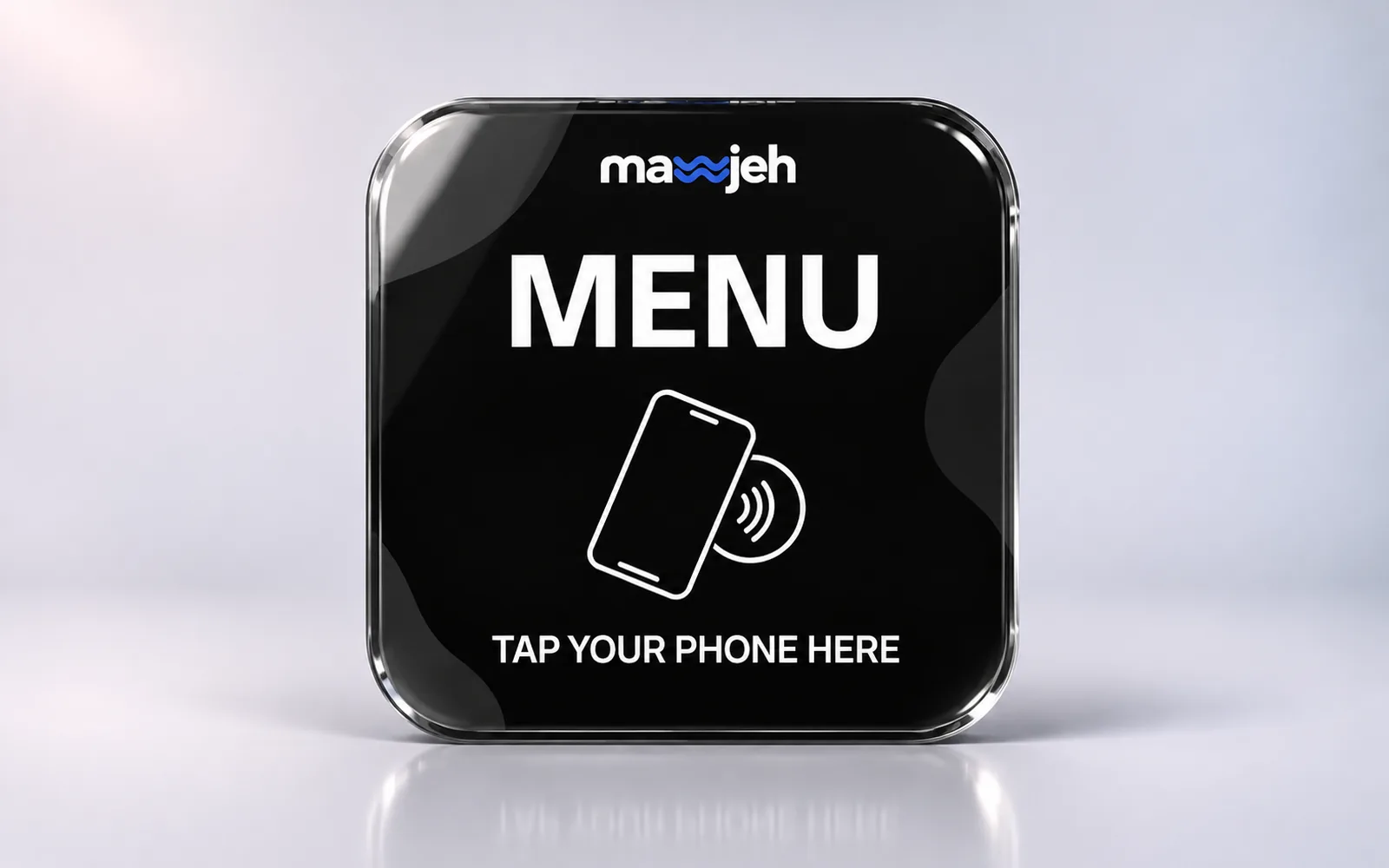
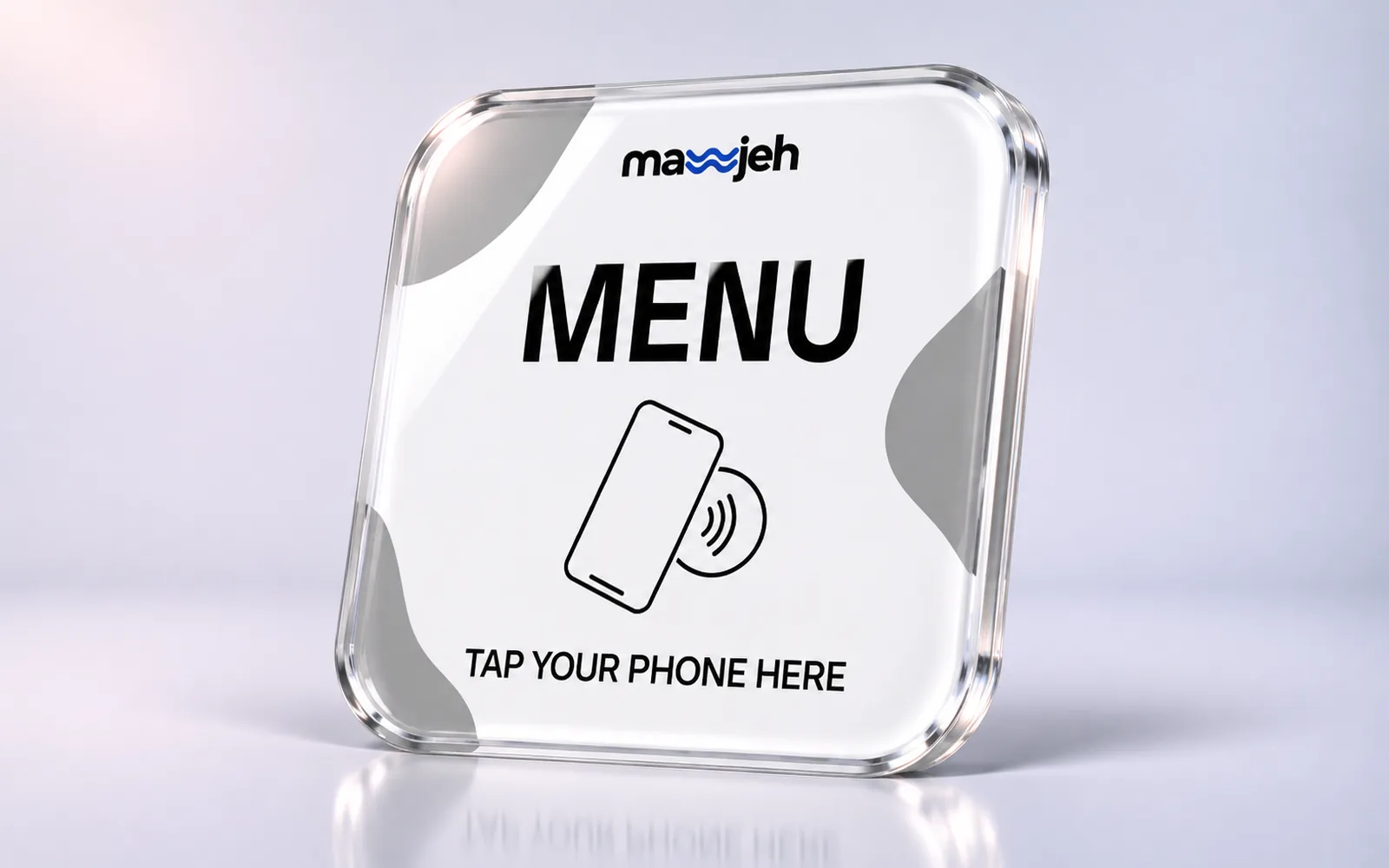
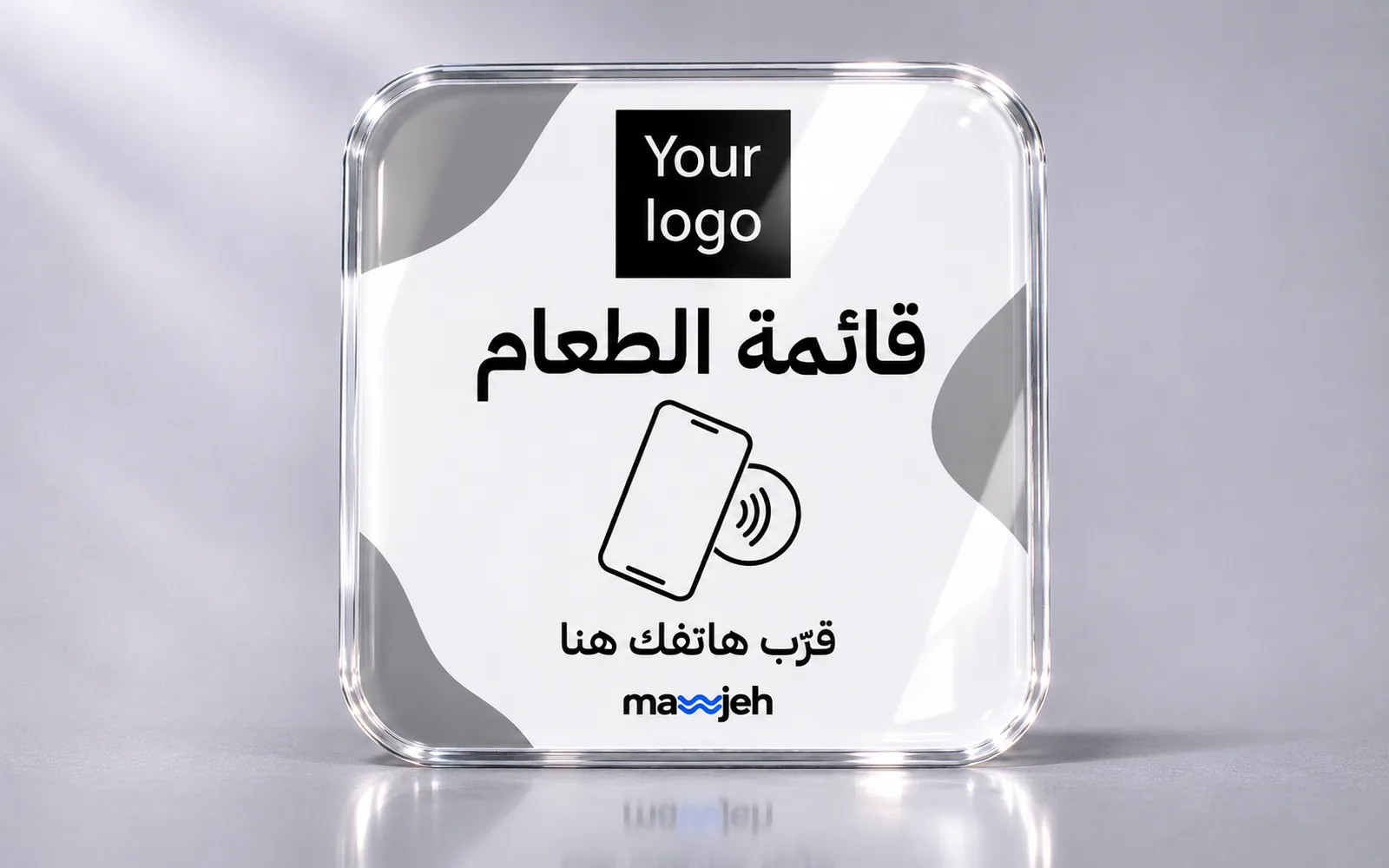
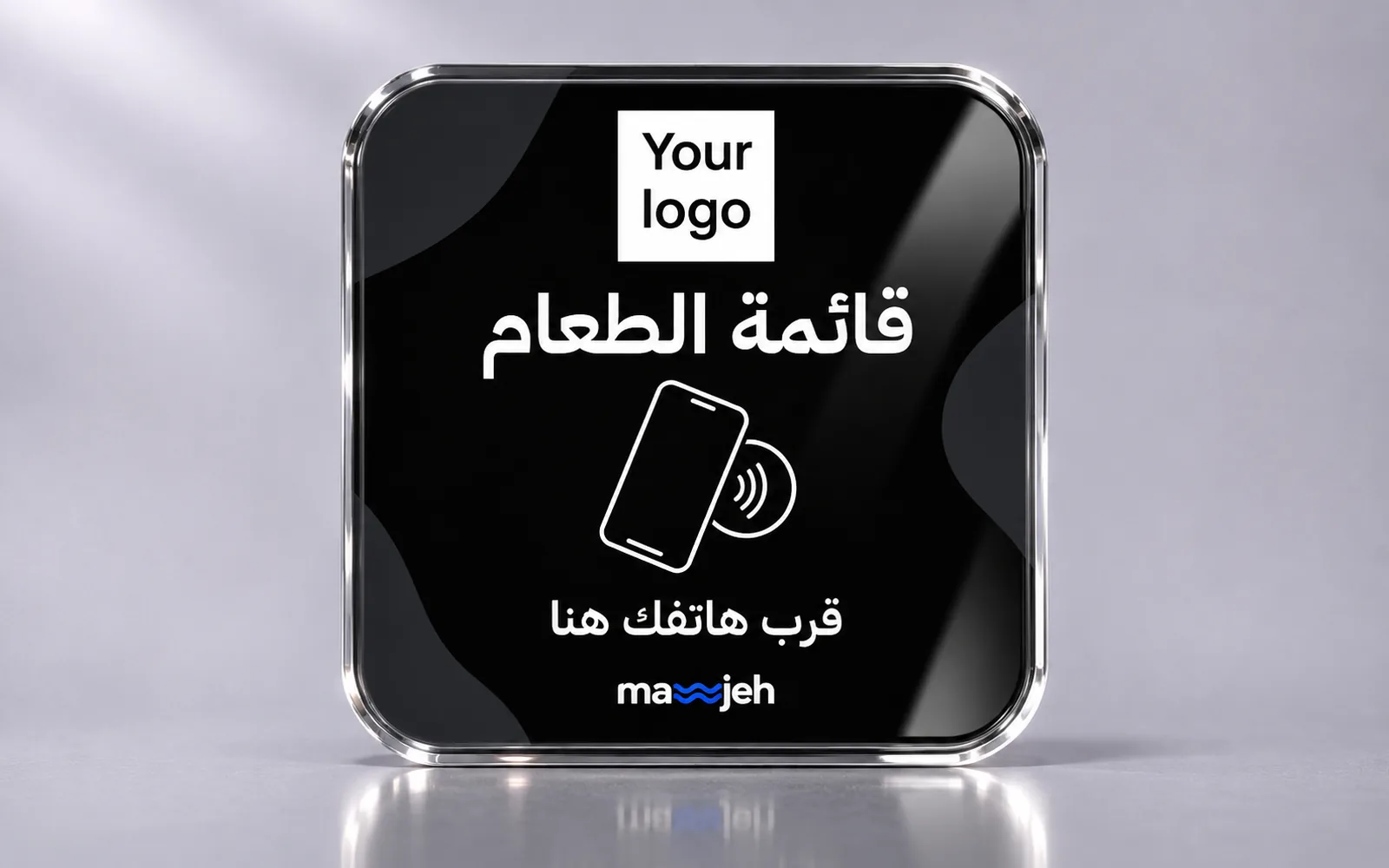
- A smart stand for the counter
- Table ordering, and edit the menu any time
Prices start from
25 JOD/ 1 table
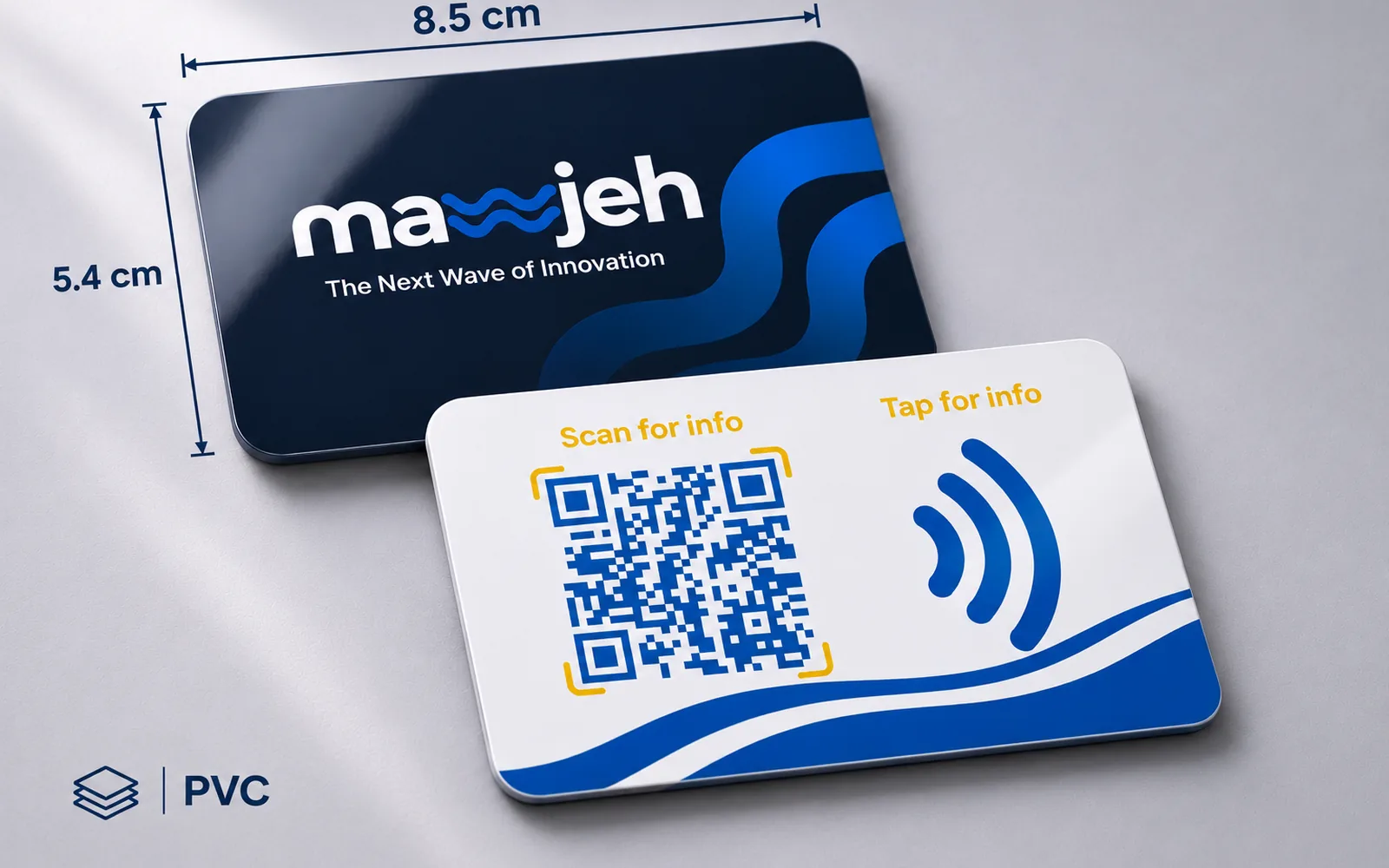
150 - Business card package
A full dynamic professional page, free for life
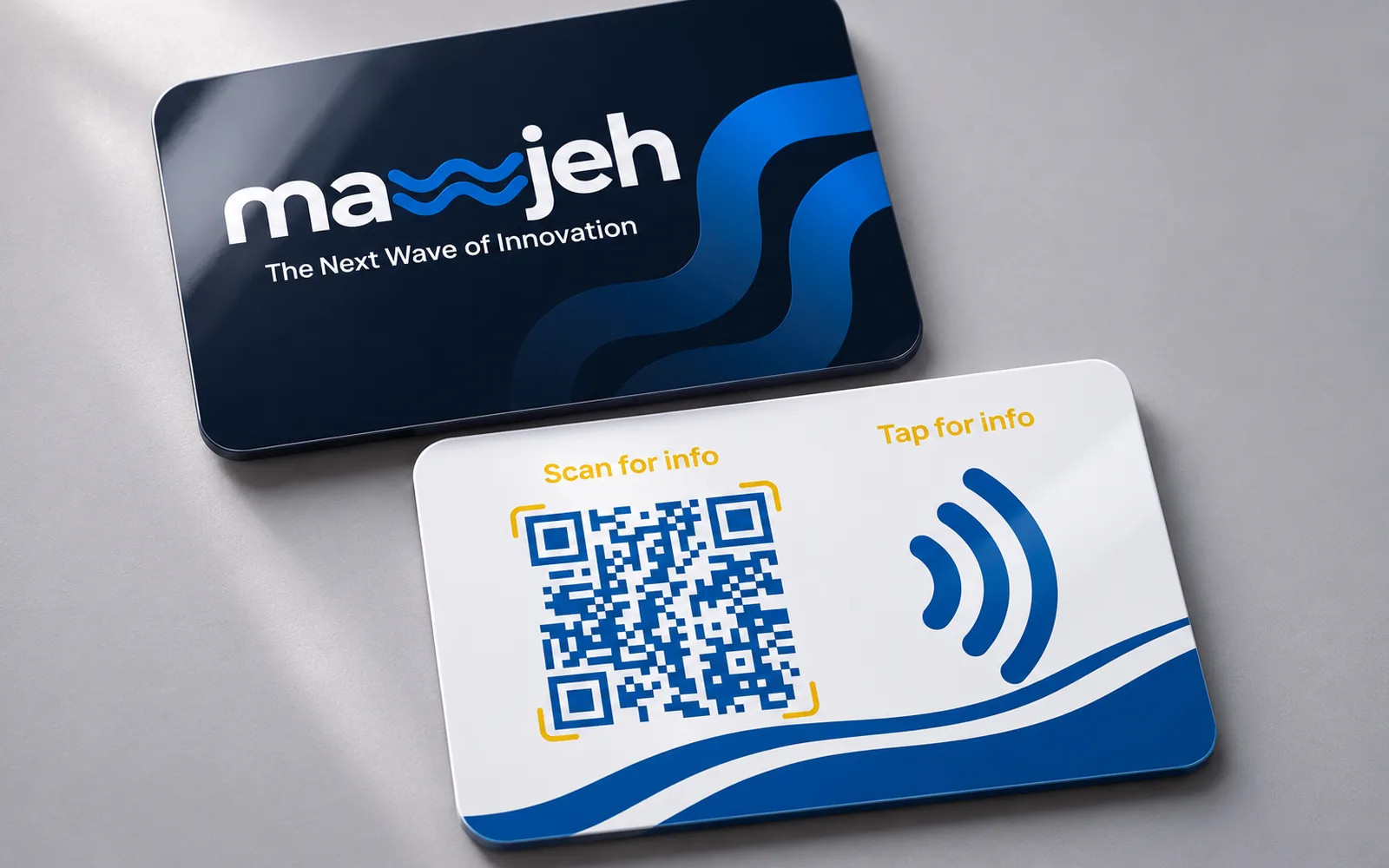
- A smart NFC card for each person
- Save-contact button
- Unlimited edits
Prices start from
15 JOD/ 1 card
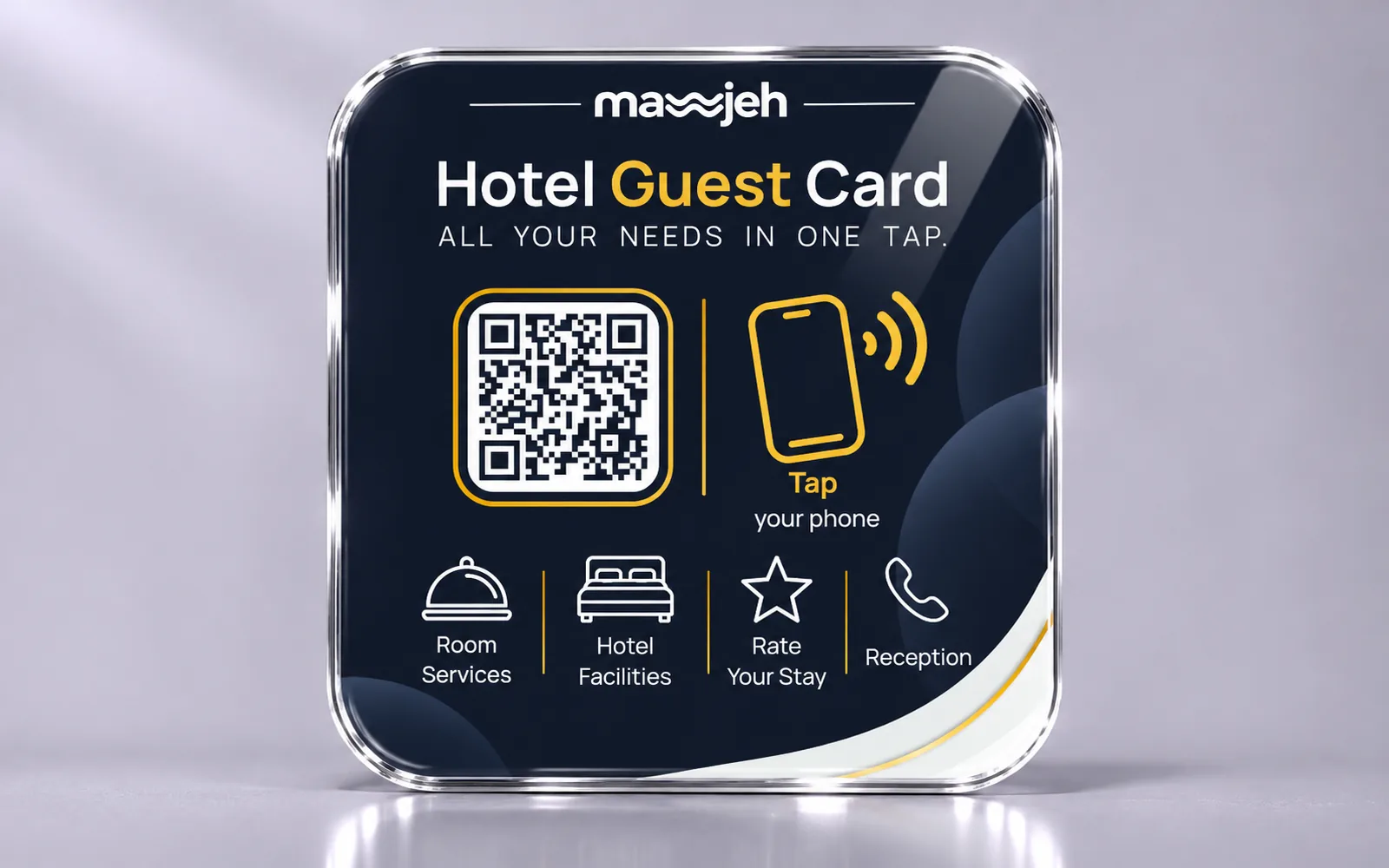
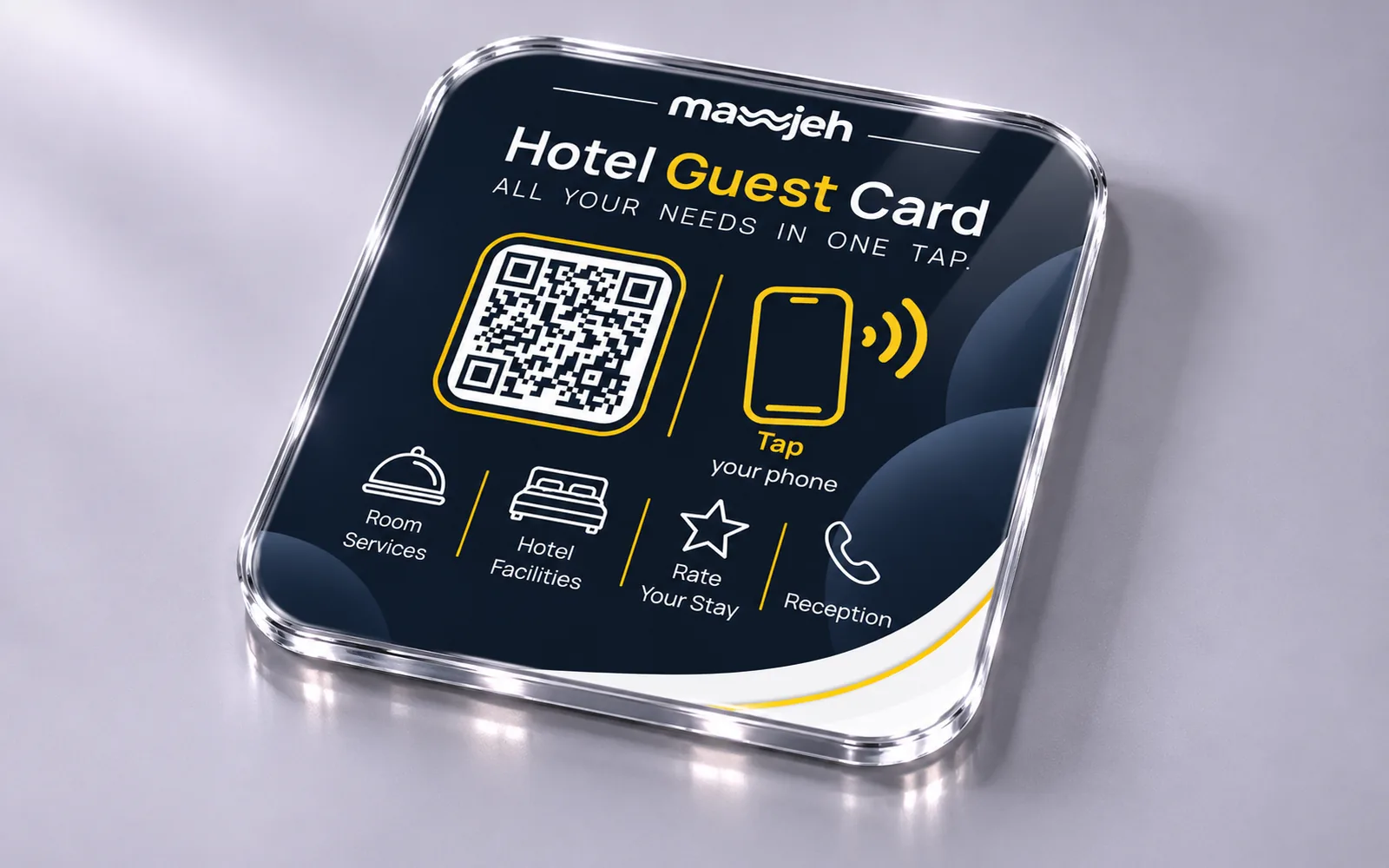
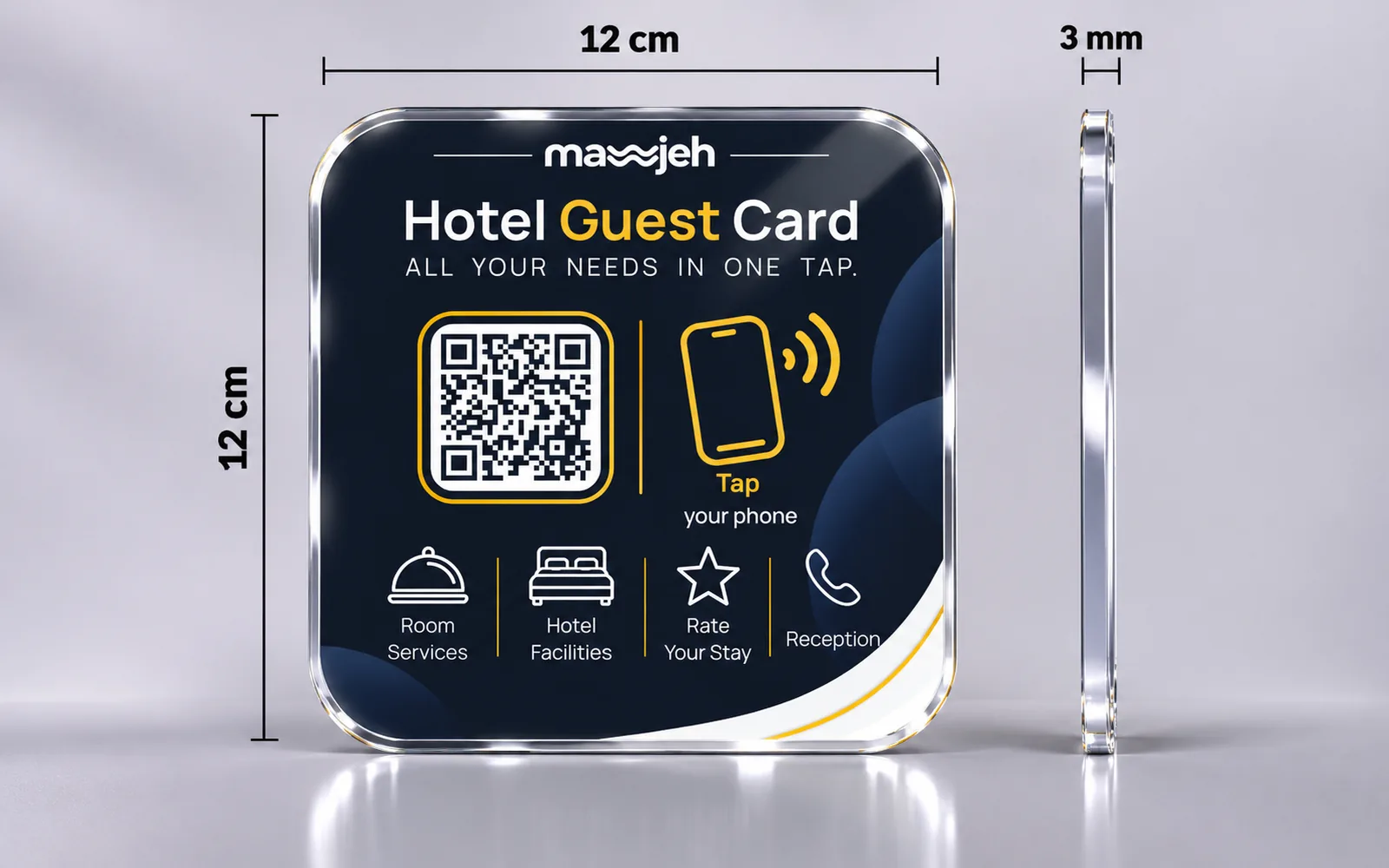
120 - Hotel package
A full dynamic page for the hotel's facilities and services
- A full room-service menu
- An NFC tag and QR code for every room
- A smart stand for reception
Prices start from
250 JOD/ 10 rooms
10100
Products
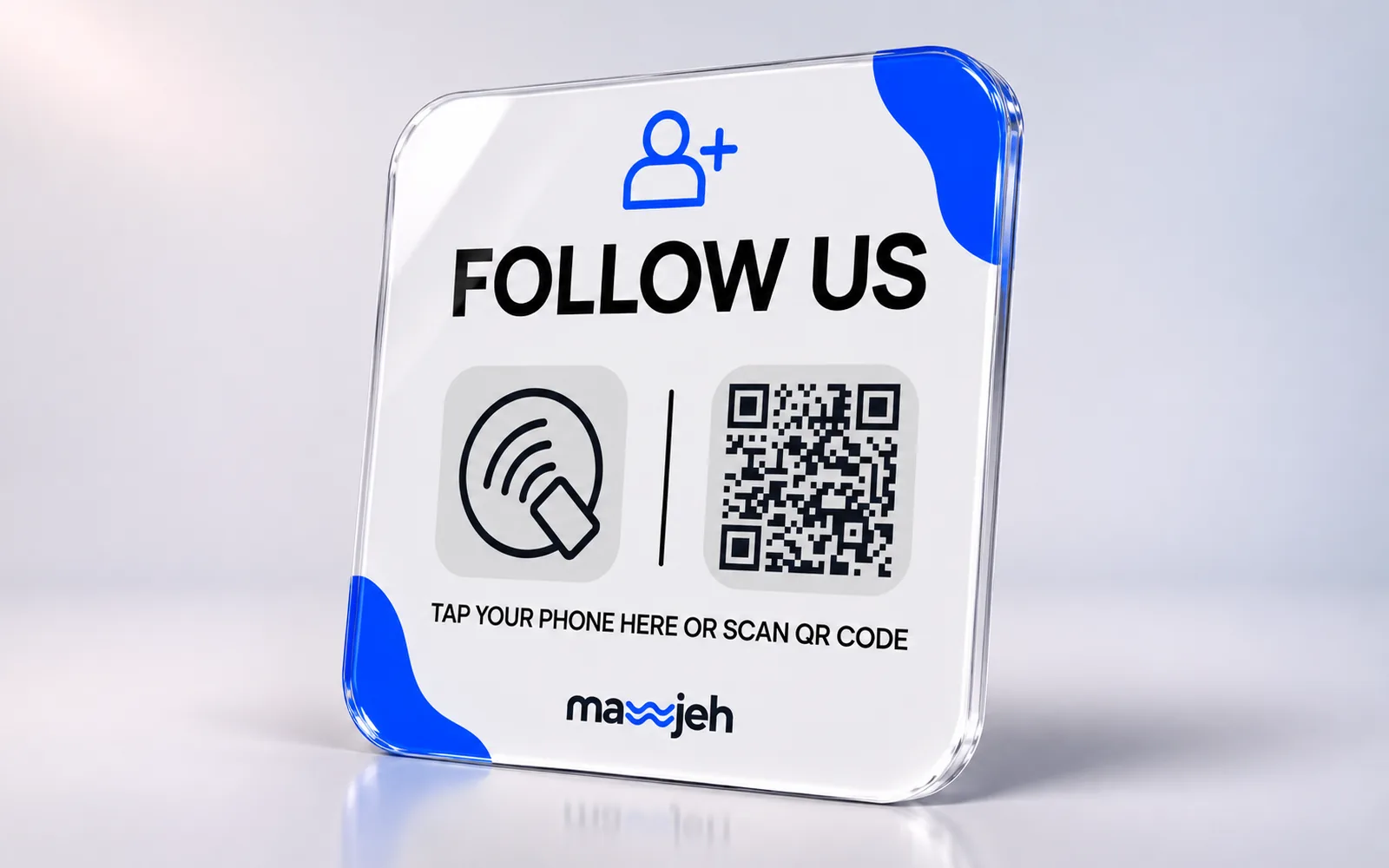
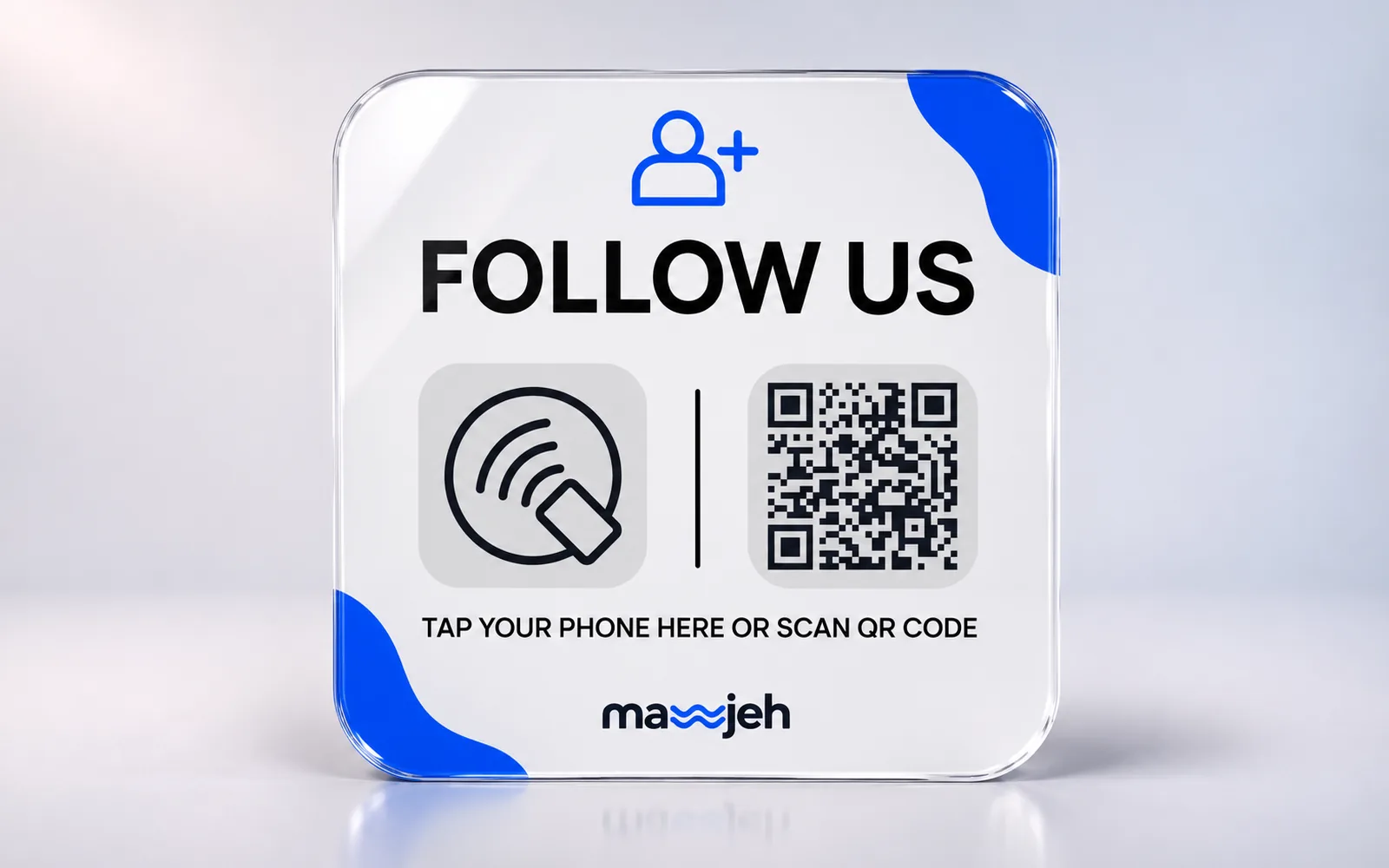
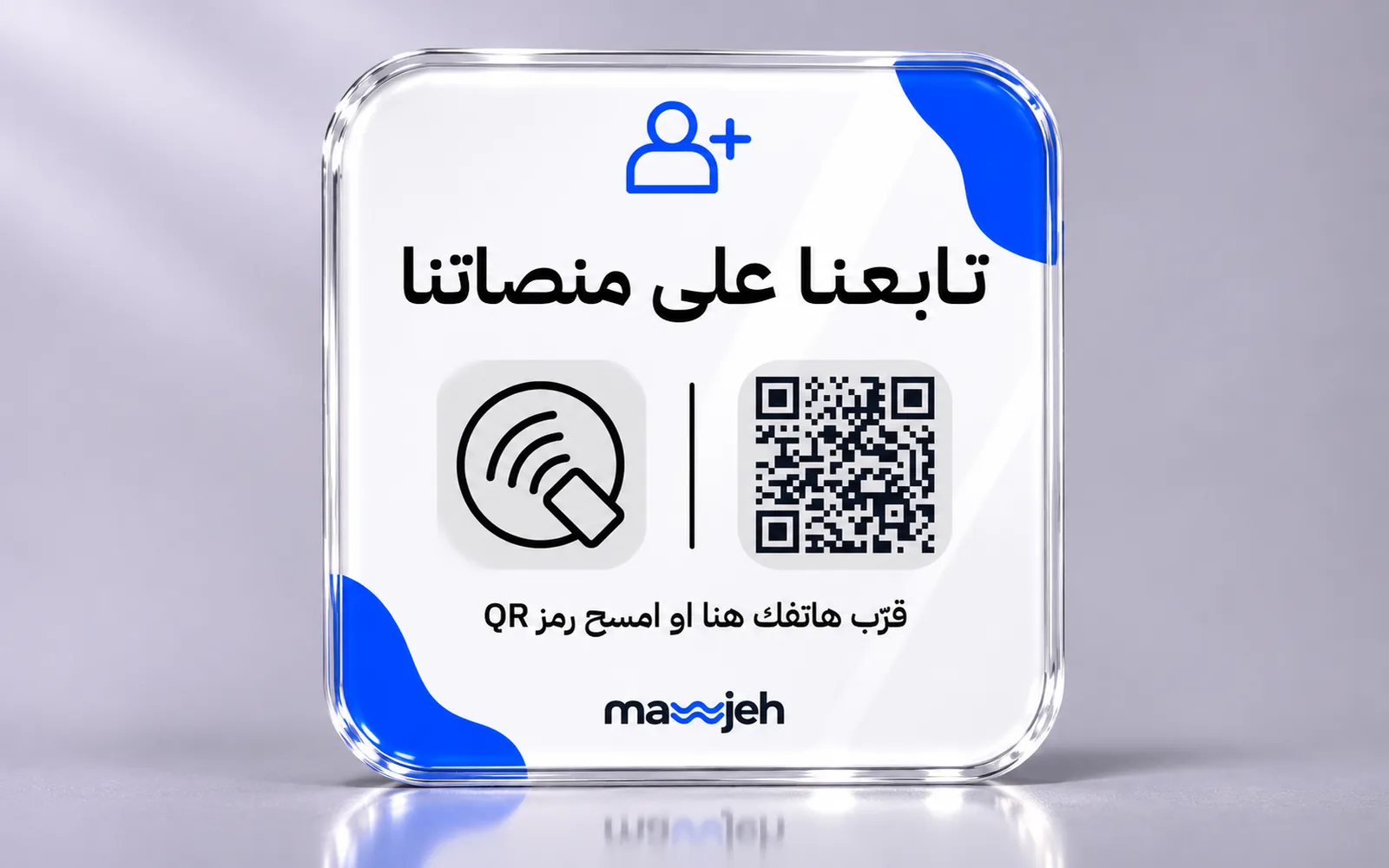
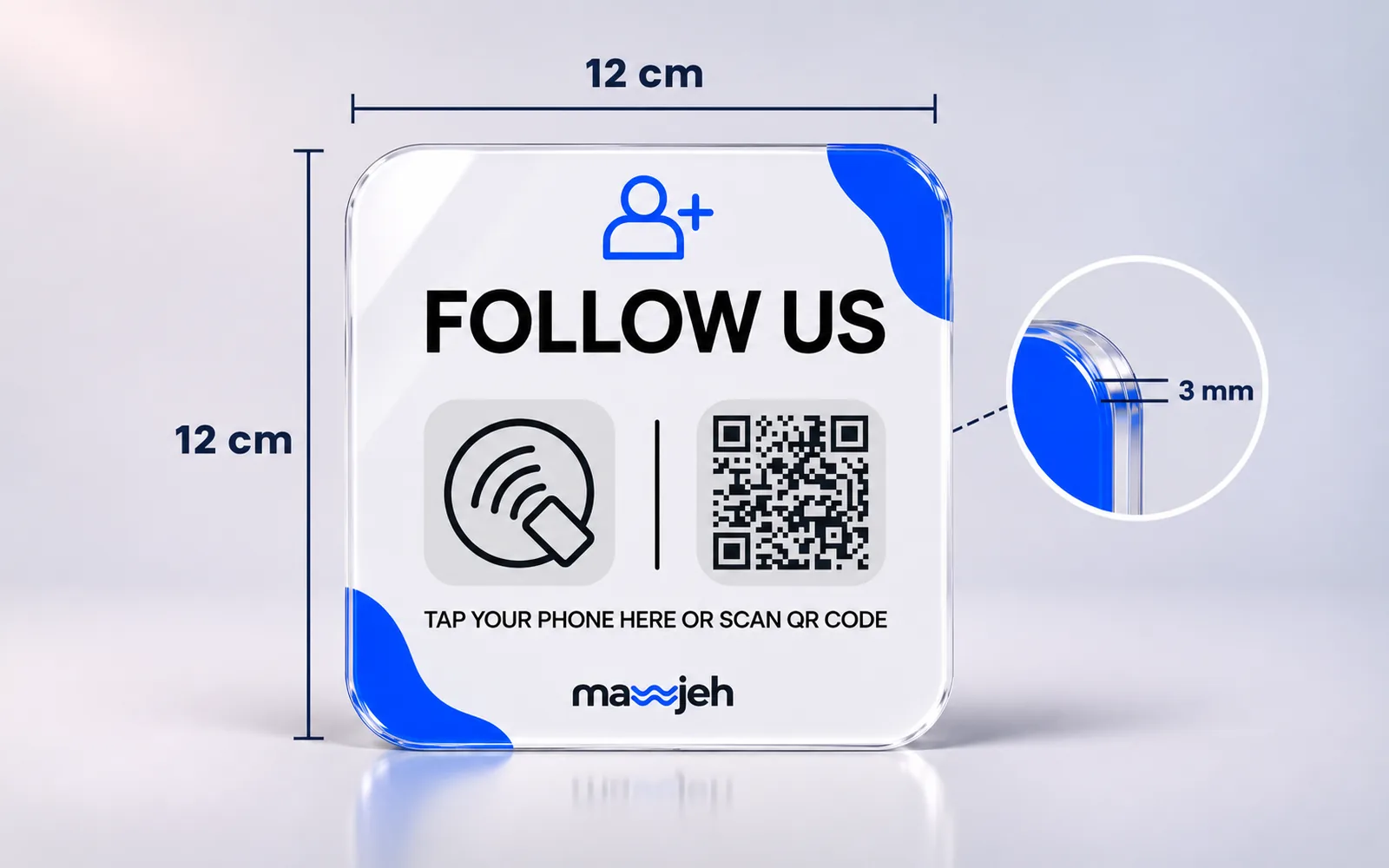
- Social media card
One tap opens your place's social accounts, so guests follow you right away.
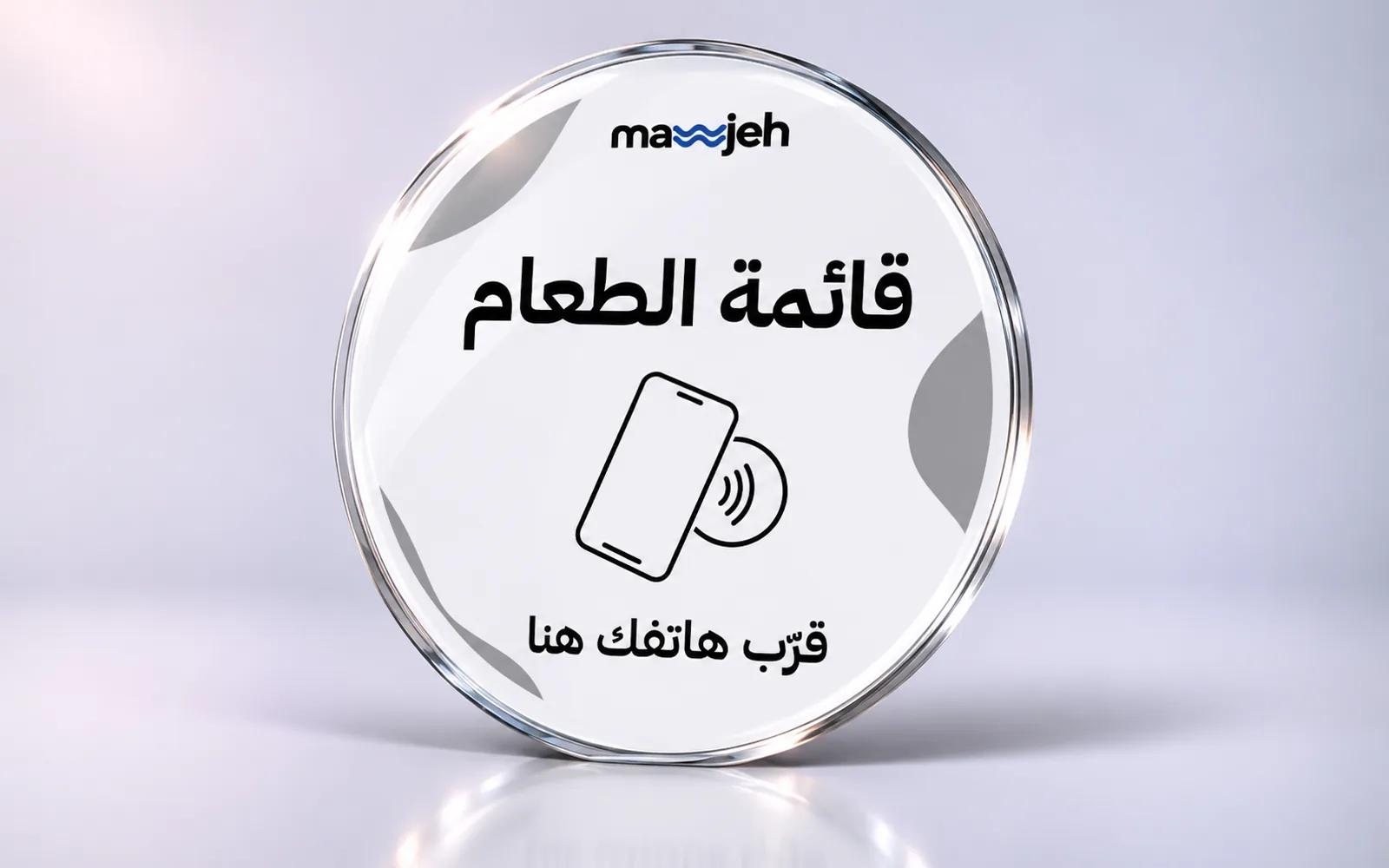
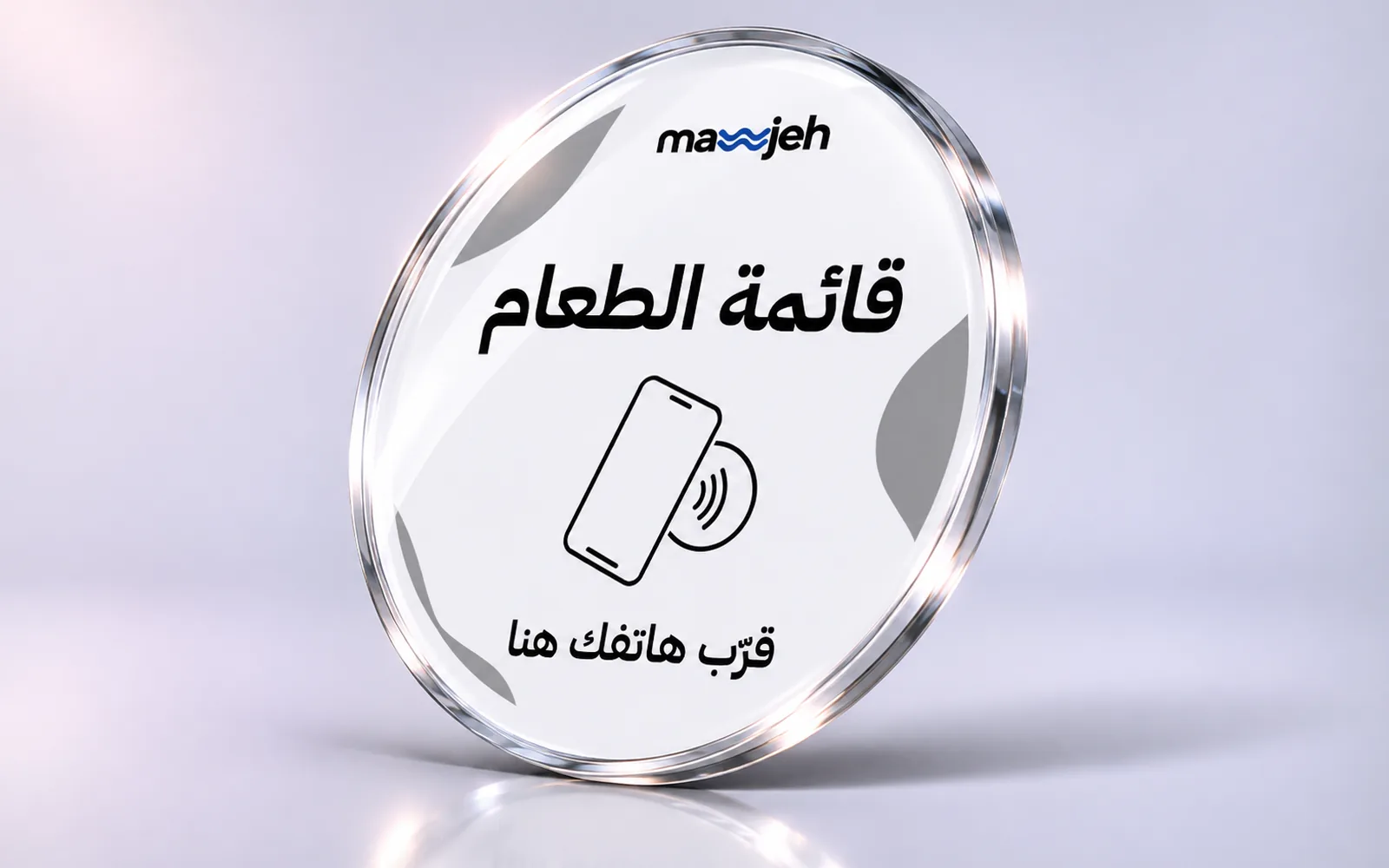
- NFC tag with a QR code
- A page with your logo gathering your accounts
- You choose the accounts it shows
- Opens and taps statistics
Choose accounts15 JOD
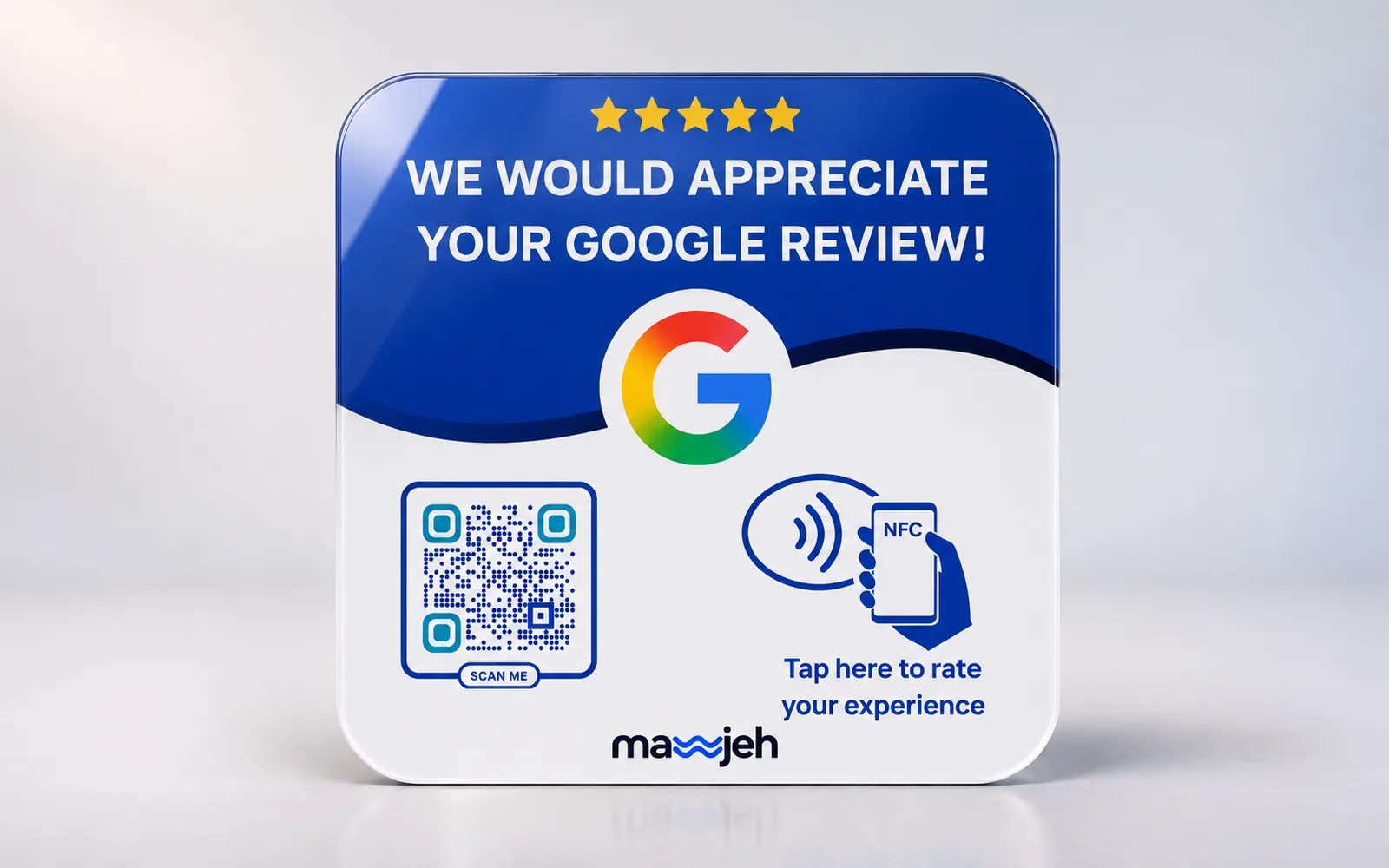
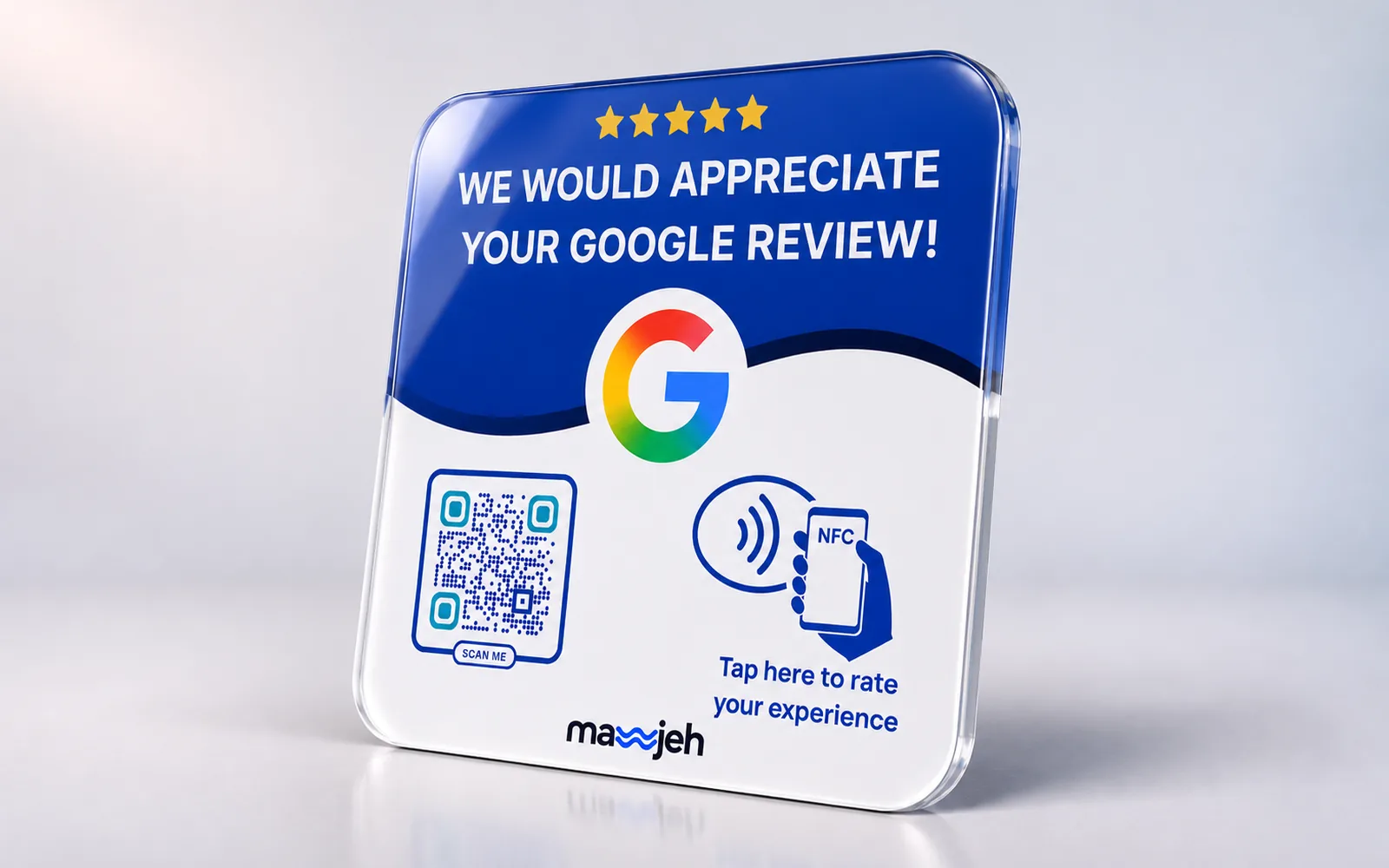
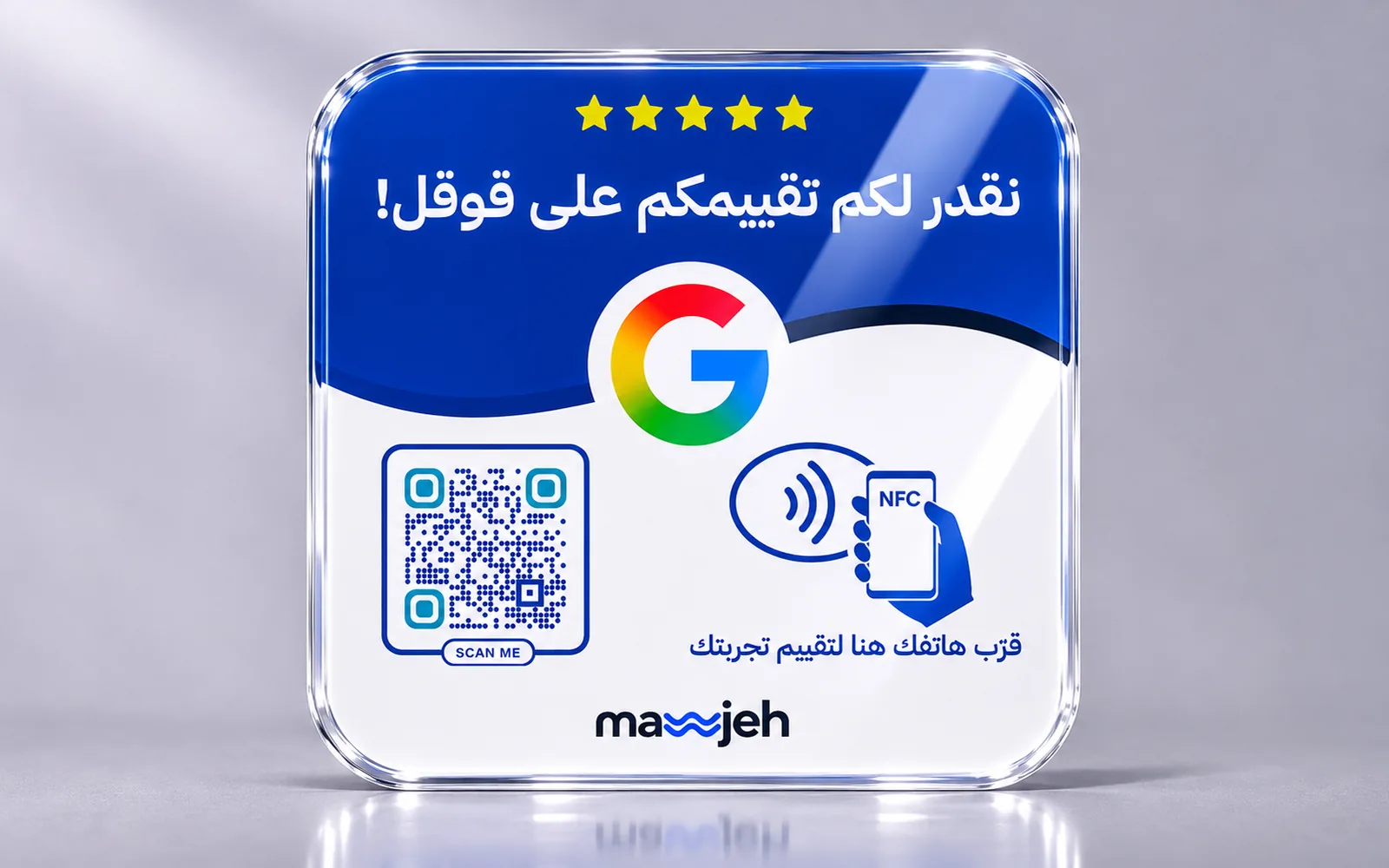
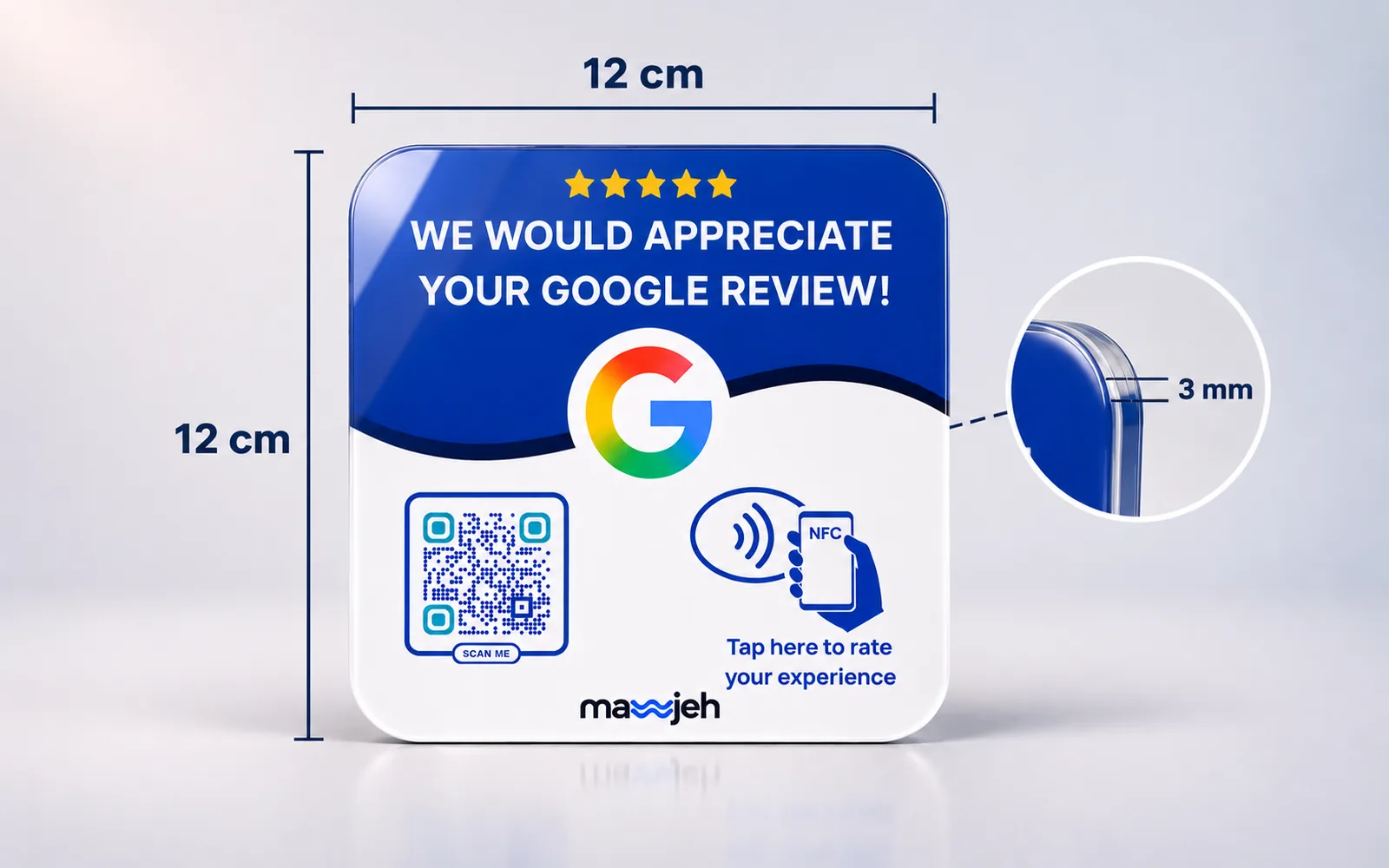
- Google review card
Guests tap the card and your place's Google review page opens, so you get more reviews.
- NFC tag with a QR code
- A page with your logo and the review button
- Tap statistics
15 JOD
- Wi-Fi card
Guests tap the card and see your network and its password with a connect button, without asking your staff.
- NFC tag with a QR code
- A page with your logo showing the network and password
- Copy password & connect button
- A QR code that joins the network directly
15 JOD
Try it yourself
- Try the menu & ordering
Scan with your phone's camera - Try the card
Scan with your phone's camera - Try the social page
Scan with your phone's camera - Try the review page
Scan with your phone's camera - Try the Wi-Fi page
Scan with your phone's camera - Try the hotel page
Scan with your phone's camera
How it works
Choose your package
Pick the number of tables or cards and order on the site.
We set up your page
We contact you to collect your menu and logo, and design the page in your colours.
Your customers tap the tag
Your page opens on their phones: they order, save your number, follow or review you, and you edit it whenever you like.
FAQ
Do guests need an app?
No. Guests hold their phone to the tag and the page opens straight in the browser. It also opens from a QR code.
Does it work with every phone?
Most modern phones read NFC tags without any setup, including iPhone XS and later. On other phones, the QR code opens the same page.
Who sets up the menu or the card?
The Mawjeh team. Once your order is confirmed we collect your content and logo, then hand the finished page over to your account.
How does ordering from the table work?
Guests pick dishes from the menu on their phone and send the order with their table number. It appears at once on the orders screen in your dashboard with a sound alert, and can also be sent on WhatsApp.
What are the social media card and the review card?
Tags for the table or the counter: the first opens a page with your logo and the accounts you choose when ordering; the second opens your place's Google review page directly.
Can I change prices and dishes myself?
Yes, from your dashboard any time, and guests see the changes right away.
How do I pay?
Cash on delivery, or a CliQ transfer when it's offered at checkout.
Not sure what you need?
Leave your details and we'll get in touch to understand your business and suggest what fits, whether it's a restaurant, a café, a shop or a company.